Set up your clinic
Branding, staff, and turning specialty modules on or off.
Open Settings (owner access) to configure the clinic. These details flow onto your prescriptions and GST invoices.
app.remedz.com / settings
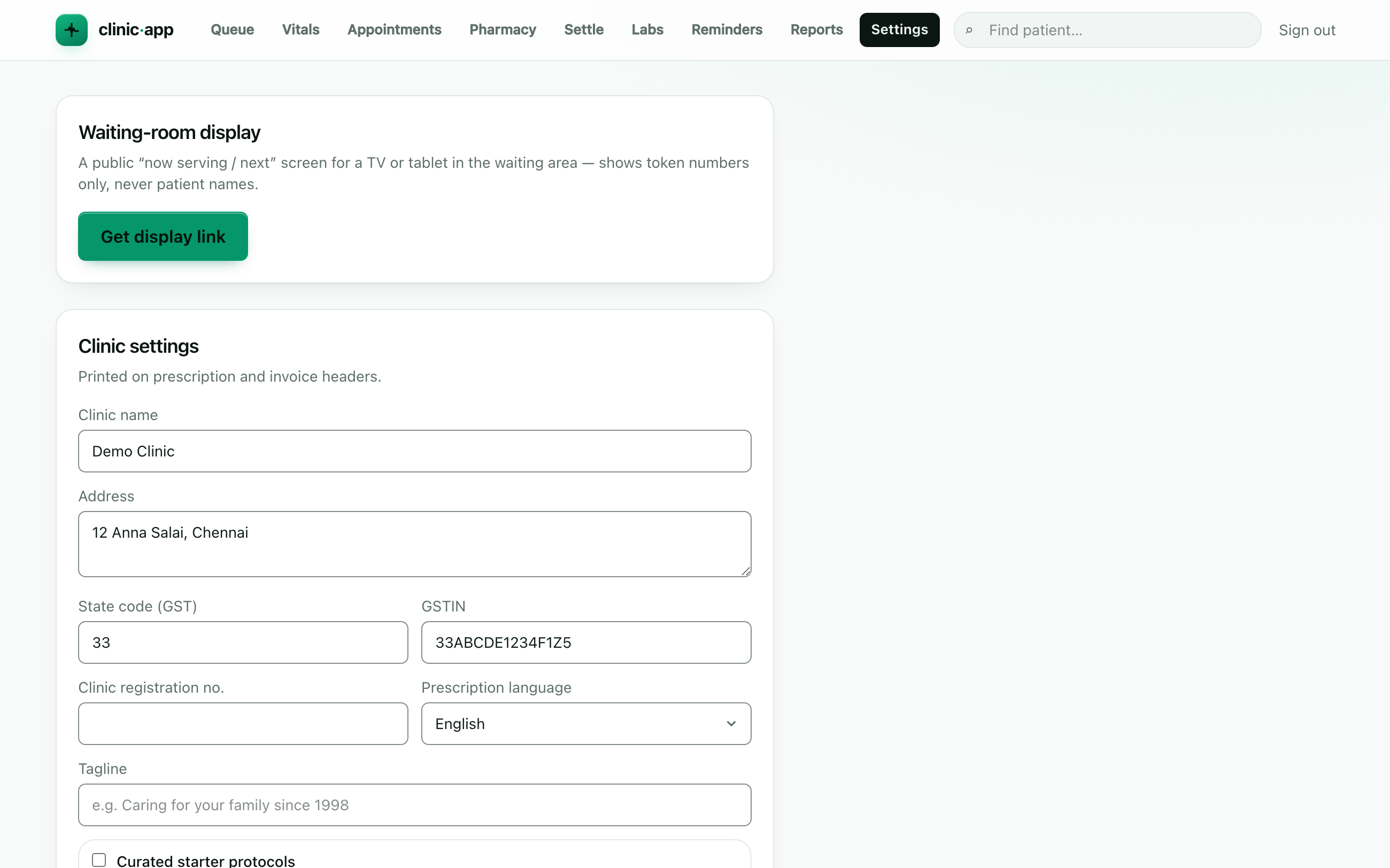
Branding & identity
- Clinic name, address, GST state code and GSTIN (leave GSTIN blank if unregistered).
- Clinic registration number and a tagline for the letterhead.
- Prescription language — English, Tamil or Hindi (dosing lines print in the chosen language).
Add your staff
Under Staff, invite team members and give each a role: owner, doctor, nurse, front desk, or pharmacist. A person can belong to more than one clinic — role lives on the membership, not the person.
Modules
Specialty modules (pediatrics, chronic-care, dentistry) are opt-in. The owner enables them for the clinic; each doctor can then hide the ones they don't use. See Modules for details.
Ready to try it? Start free trial →